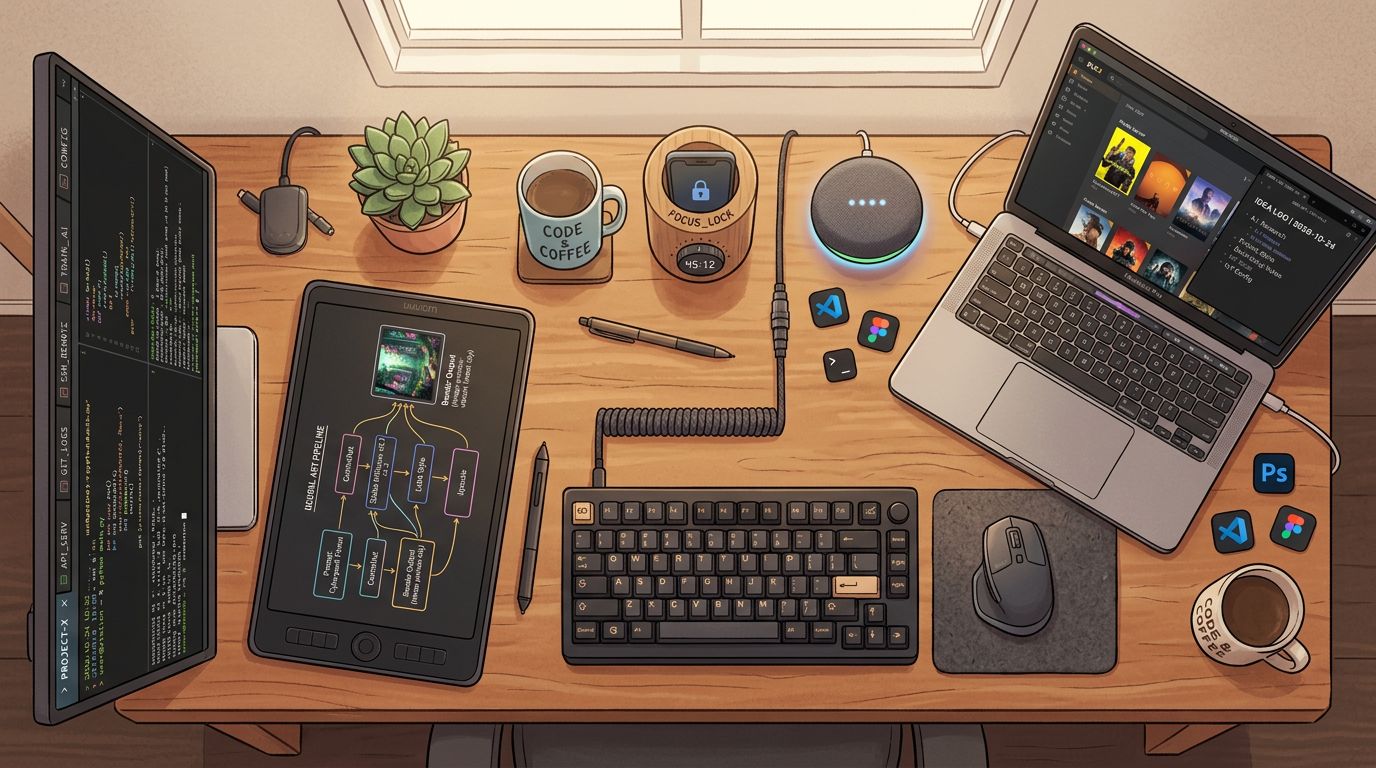
Essential Apps and Services I'm using in 2026
As an update to the start of 2025 blog on tech tools.
Creative Tools and Services
Affinity Photo
I’m still using the pre-Canva acquisition Affinity Photo. Given that I no longer have the .dmg for the older perpetually licensed software I purchased, I had to dissect its application files and archive them off my main laptop to transfer them to a new machine. This is probably a dumb long-term strategy, and I know the new version is ‘free’ with paid cloud benefits but I’m going to ride having a non-subscription creative tool suite as long as I can.
ComfyUI
ComfyUI has become an essential part of my creative toolkit. It’s a node-based interface for working with open models for image, video, and audio generation. The visual workflow approach makes it easy to experiment with complex pipelines, and the community around it keeps producing useful custom nodes. If you’re willing to invest the time in learning the node graph, it’s remarkably powerful.
DaVinci Resolve Studio
I upgraded to the paid version of DaVinci Resolve to get access to the AI rotoscoping, lighting tools, and integrated voice transcription assisted editing. These features have been worth the one-time purchase price and save significant time in the editing workflow.
Replicate
Replicate is a great clearinghouse for access to paid models in one place with a pay-as-you-go pricing model rather than a subscription I’ll likely underuse. I use Nano Banana here by API for image generation and enjoy being able to play with new models at smaller scale without having to do the work of getting them up and running in ComfyUI before deciding if I like them. The thumbnail for this post was created in Replicate using a Claude Code skill.
Developer Tools
Claude Code
Claude Code has become my primary development tool. The skills pattern and the ability to connect to third-party tools and CLIs easily has been a big time saver because I can establish a pattern once and then have an easier time repeating it. I don’t know that I’ve ascended to a point where I’m conducting swarms of coding agents yet, but I’m much more effective than I was in an IDE.
CMUX
CMUX has replaced Ghostty for me as my dev terminal emulator, mostly for the ability to have vertical tabs with tmux-style panes within them. I wish the panes were respected by coding tools as well as tmux is, but I’m no longer finding I have five Ghostty windows open and that was the main point of switching.
Cursor
Cursor is paid for by my company, so having a leading editor with its own high quality code assistant and access to models through an OpenRouter-like multiplexer has been useful. I haven’t found anything that beats Cursor’s browser integration, but all the same I find I’m using Cursor less and less as I get more comfortable in Claude Code.
Docker
I’ve switched back to Docker Desktop for my work machine after a stint with Podman. My company requires me to be single sign-on’d to use Docker Desktop with my GitHub account. I use my personal GitHub at work, which was normal when I joined ten years ago and not common now. Docker has also been an essential part of my GPU setup. My old gaming machine with an NVIDIA 3080 Ti is now on in my basement running Ubuntu all the time, so having Docker containers to keep my various services separate has been a productivity boost, especially since Claude Code is so good at wrapping things up into neat docker-compose bundles.
Elasticsearch Serverless
I consolidated all my Elastic Cloud hosted projects to the serverless version of Elasticsearch hosted by Elastic. Not having to do upgrades, the integrated embedding services for vectors, and getting new features every week has been much better than worrying how old my Docker containers were getting. I run an observability project and a search project paid for by my work, which is nice.
GitHub
I’m still maintaining my subscription. I originally started paying for private repos. With Claude Code, I don’t need any of the AI features. Honestly, I’ve lost track of what I get for my subscription.
Self-Hosted and Home
N8N
N8N runs many scheduled tasks around the house for things that are too simple to have run as a cron. I had to migrate my N8N Docker self-hosted setup between two different machines this year and it involved some docker volume surgery. I figured it out, but I guess this is why people use fancier container orchestration frameworks. I wish it had a better Elasticsearch connector, but I can get by with HTTP.
Home Assistant
Home Assistant is still running all the IoT devices in my house and has the benefit of having an integrated app on my cell phone, which is useful as an IoT sensor, trigger, and notification mechanism that is almost always near me. I got one of their smart speakers but still have not migrated off of my Docker install of Home Assistant to a full VM running Home Assistant OS or whatever they call their image necessary to fully utilize voice assistant and the full range of plugins.
Jellyfin
Having a media player for the content on my NAS lets me play things throughout the house and decouples me a bit from streaming services.
Productivity and Utility
Obsidian
Obsidian is my note taking and TODO tool. I run separate vaults for home and work but both have started to sprawl. I’m looking into using an AI meeting recorder/transcriber and a series of agentic tools to have more automated meeting notes and summarization. I’ve stopped short of having a second brain setup, but I think I’m going to work to get my Obsidian life more organized, searchable, and integrated this year while still relying on the simplicity of my notes being “just markdown files.”
LastPass
I’m still using LastPass as my password manager. I’m happy with how they handled their breach (I was not affected) and have stuck with them despite them not really having native Mac integration.
Dropbox Family Plan
Quietly running. As I use my NAS more, the separation between NAS and Dropbox for backup has gotten a bit fuzzy and that’s bad, especially as my NAS doesn’t have a cloud backup.
NordVPN
I’d rather have a VPN company correlate my activity than hotel wifi at some of the locations I go.
Devices
Brick
This physical device sits in my home and runs a scheduled shut off of things like YouTube on my phone. I use the Unhook plugin on my Chrome sessions to try to limit doom scrolling on my browser. Having to physically walk over to the dishwasher in the kitchen to unlock my dopamine apps on my phone is a deterrent in a way that the screen time reminders on my phone are not.
Boox E-Reader
I am no longer using tablets except for e-readers. I have a color Boox e-reader big enough to read a comic book on. It stays by my bedstand and I use it instead of a Kindle.
Synology NAS
I am not a hardware guy so I went for the absolute easiest path to getting a NAS setup in my house.
TRML Dashboards
I have a few TRML devices with dashboards around the house. I’ve had one fail on me and need a new circuit board. The support from the company was great but I found I didn’t really have time to dive back into the firmware and hardware world.
No Longer Subscribing
OpenAI ChatGPT
I found I was going all in on the Anthropic suite and that ChatGPT was less interoperable. Their voice assistant APIs and apps are still amazing, but with Gemini surpassing OpenAI on image generation I’m taking a break from the OpenAI ecosystem.
Reclaim.ai
As I am no longer managing people at work and most of the leaders have their calendars managed by human admin assistants, I’m just on the free tier of Reclaim.ai now. I liked the tools and it still puts a lunch reminder on my calendar, but I no longer have the twelve 1:1 meetings a week to wrangle and I wasn’t getting value from this.